
Order Display Screen (ODS)
Real-Time Order Updates for Faster, Smoother Service
The Order Display System (ODS) is a digital screen that updates staff in real time when orders are ready. It syncs with your POS and KDS to prevent delays and errors.
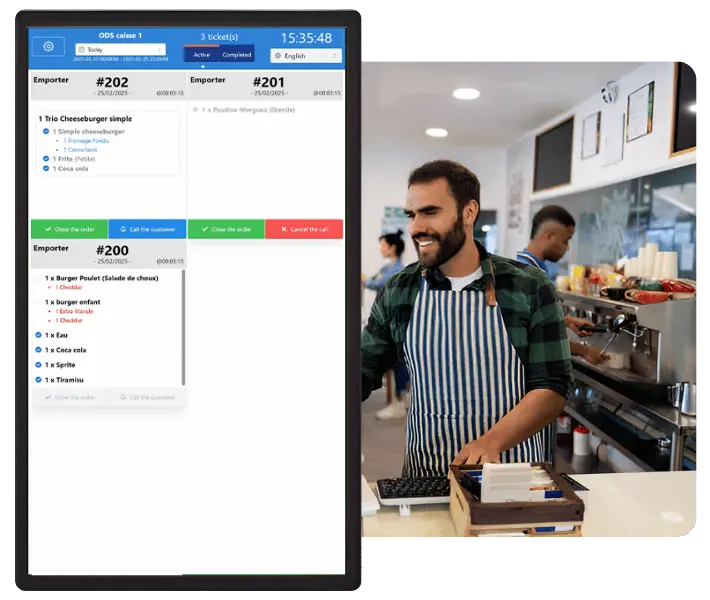
Real-Time Order Tracking Like Never Before
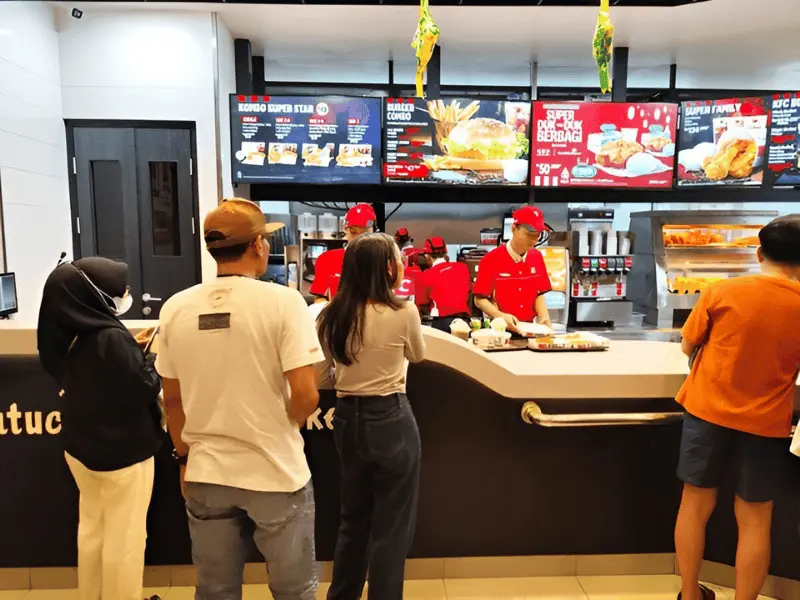
Speed Up Service
- No more staff running back and forth to check orders.
- Faster service means shorter wait times & happier customers.
- Reduces congestion at pickup areas, keeping the flow smooth.
Increase Accuracy & Reduce Miscommunication
- Fewer wrong orders : Less food waste & fewer customer complaints.
- Better coordination between kitchen & front-of-house : Staff always know what’s ready.
- Higher customer satisfaction : Accurate, well-timed service every time.

Deliver a Flawless Customer Experience
- More positive reviews & returning customers.
- Less frustration & more satisfaction.
- A more professional, organized, and efficient restaurant environment.
Ready to Transform Your Restaurant Operations?
An ODS helps you serve more customers, reduce mistakes, and speed up service, without extra effort. Let’s get your restaurant running at peak efficiency today.
Designed for Speed & Simplicity
Instantly See Ready Orders
The ODS provides real-time updates, so staff can immediately see when an order is ready. No need for manual checks with the kitchen.
Works with Your Existing Systems
Fully integrates with your Kitchen Display System (KDS) and POS, ensuring a smooth and automated order tracking process.
Easy-to-Read Order Status
Designed with a clear, high-contrast display, making it easy for staff to check order readiness even in busy or low-light environments.
Explore Our Product Line
POS Register

Optimize every transaction
with our seamless,
integrated POS Register
for streamlined service.
Kitchen Display System
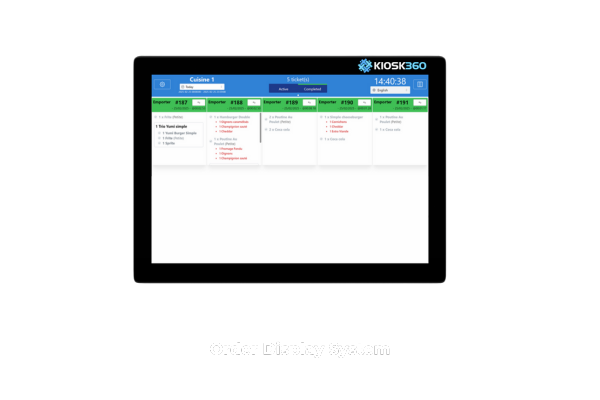
Boost kitchen efficiency
and accuracy with
our advanced
Kitchen Display System.
Customer Call Screen

Enhance customer
engagement with real-time
order and promo
displays using our CCS.
Self-Ordering Kiosk
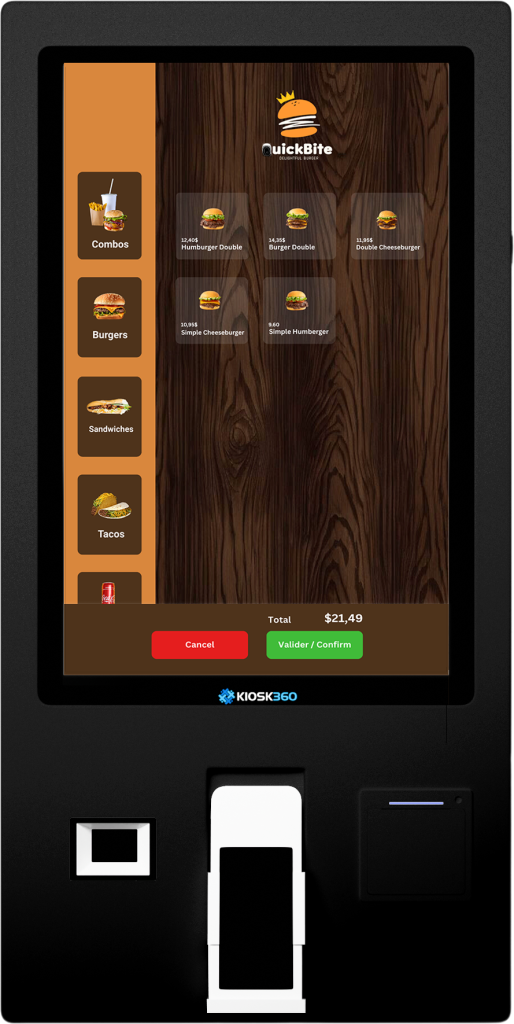
Empower customers to place their orders independently, reduce waiting times, and increase efficiency.
FAQ
How does the Kiosk 360 integrate with our existing POS system?
Lorem ipsum dolor sit amet, consectetur adipiscing elit. Ut elit tellus, luctus nec ullamcorper mattis, pulvinar dapibus leo.
What payment methods do the Kiosk support?
Can we customize the user interface to match our brand?
What training and support do you offer for new kiosk users?
Can the kiosk software be updated remotely?
Get Started with Kiosk 360 Today
- Speed up service and increase throughput with our high-efficiency kiosks.
- Improve dining with convenient self-service, boosting guest satisfaction and loyalty.
- Depend on our 24/7 support and robust kiosks to keep your operations smooth.
 EN_CA
EN_CA  FR
FR 