

In today’s fast-paced restaurant world, customers expect speed, accuracy, and convenience. That’s exactly what a self-order kiosk delivers. Whether you’re running a busy quick-service restaurant (QSR) or a growing franchise, these digital ordering stations can streamline service, boost revenue, and modernize your entire front-of-house experience.
In this guide, we’ll break down what self-order kiosks are, how they work, and why they’re becoming a must-have for forward-thinking restaurant owners.
Table of Contents
1. What Is a Self‑Order Kiosk?
A self-order kiosk in a restaurant is a touchscreen terminal that lets customers browse your menu, customize their order, and pay, all without interacting with a cashier. Think of it as a self-service checkout for food orders.
These kiosks are designed to be simple and intuitive, making it easy for anyone to use. The goal? To reduce lines, increase order accuracy, and give customers a smoother, more personalized experience.
2. How Do Self‑Order Kiosks Work?
Self-order kiosks follow a straightforward process:
- Menu Browsing: Customers explore your menu categories and item options on a touchscreen.
- Customization & Upselling: They can modify orders, choose sides, or accept upgrade suggestions like combos or add-ons.
- Payment: Payments are made directly at the kiosk using credit cards, debit, or contactless methods like Apple Pay or Google Pay.
- Order Transmission: The order is automatically sent to your kitchen display system (KDS) or printed in the kitchen via the POS.
- Confirmation: A digital receipt or printed ticket confirms the order is complete and in progress.
Behind the scenes, kiosks are fully connected to your POS system, allowing real-time tracking, reporting, and analytics, all in one flow.
3. Benefits of Self‑Order Kiosks for Restaurants
Self-ordering systems offer more than just cool tech. They bring real operational and financial benefits to your business:
- Faster Service
Reduce wait times and handle more customers during peak hours. Studies show kiosks can be up to 40% faster than traditional cashier service. - Increased Accuracy
When customers enter their own orders, there’s less room for miscommunication and mistakes—leading to better satisfaction and fewer remakes. - Higher Average Ticket Size
Smart upsell prompts and visual menus encourage guests to order more. Many restaurants report 5–20% increases in average spending. - Labor Optimization
Free up your staff to focus on food prep, cleanliness, and guest service instead of constantly managing the front register. - Data Collection
Every interaction is logged, giving you insights into popular items, peak ordering times, and customer preferences. - Contactless Experience
Today’s diners care about safety and hygiene. Kiosks offer a touch-optimized, minimal-contact ordering experience that aligns with modern expectations.
4. Real‑World Results From Major Brands
Many leading QSR chains have already adopted self-ordering—and the results speak for themselves.
- McDonald’s reported a 5–6% boost in average ticket size after rolling out kiosks globally.
- Shake Shack saw a ~10% increase in order value at locations using kiosks.
- Panera Bread uses self-ordering as a key part of their digital transformation strategy, allowing more flexible, efficient guest experiences.
The numbers show that self-ordering isn’t a fancy trend, it’s a proven growth tool.
5. Should Your Restaurant Use One?
If you run a quick-service, fast-casual, or franchise restaurant, the answer is likely yes.
Self-order kiosks work best in high-traffic environments where speed and accuracy matter. They also shine in restaurants where customers are already used to digital interactions—like app orders or QR menus.
However, even full-service restaurants can benefit from hybrid setups—like kiosks for takeout orders, pickup shelves, or delivery drivers.
Ask yourself:
- Are my peak hours overwhelming my staff?
- Do I want to increase average ticket size?
- Am I looking for a better customer experience and more data?
If yes, a kiosk may be exactly what your operation needs.
6. Self‑Order Kiosk Formats Explained
There’s no one-size-fits-all when it comes to self-ordering setups. Here are the most common types you’ll find in restaurants:
Kiosk Formats:
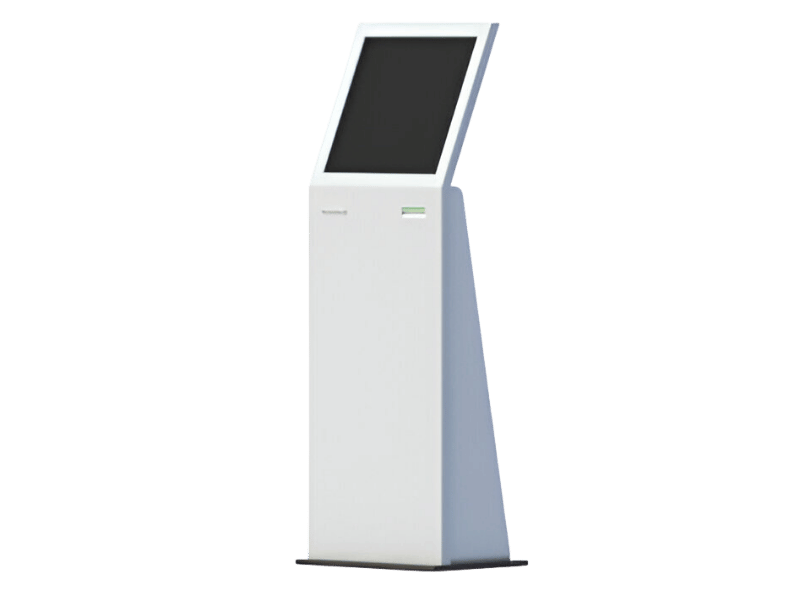
Freestanding Kiosks
These tall, standalone units are ideal for entrances or open areas. Great for high-volume environments.
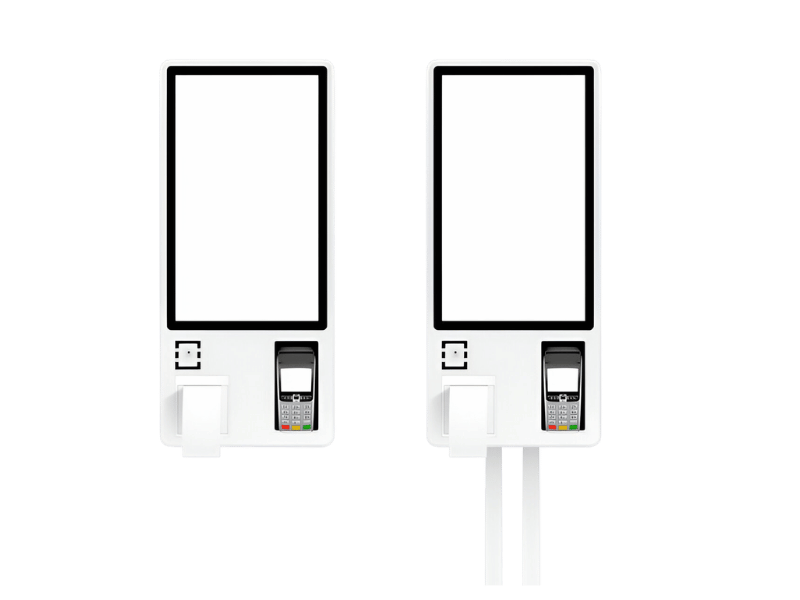
Wall-mounted Kiosks
Perfect for restaurants with limited space. Mounted kiosks are sleek and efficient.
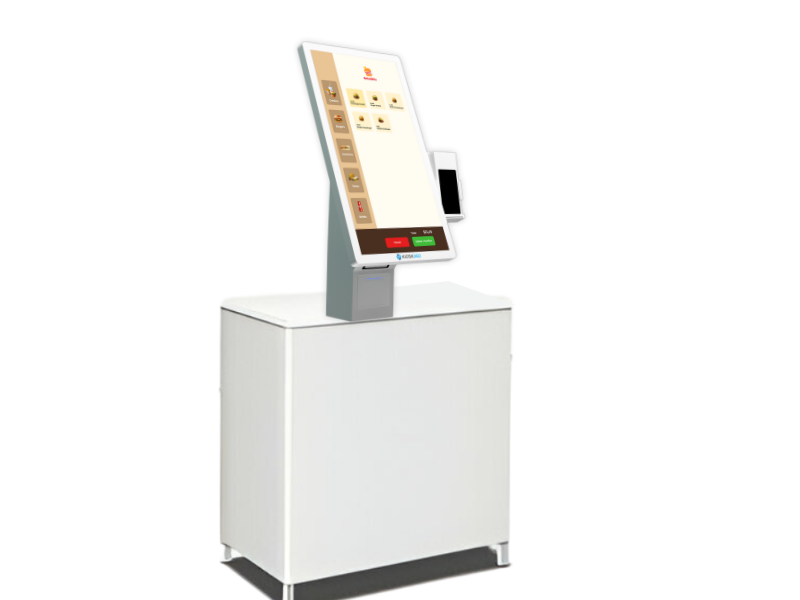
Countertop Kiosks
Sit directly on the front counter—useful in smaller restaurants or as a complement to staffed POS stations.
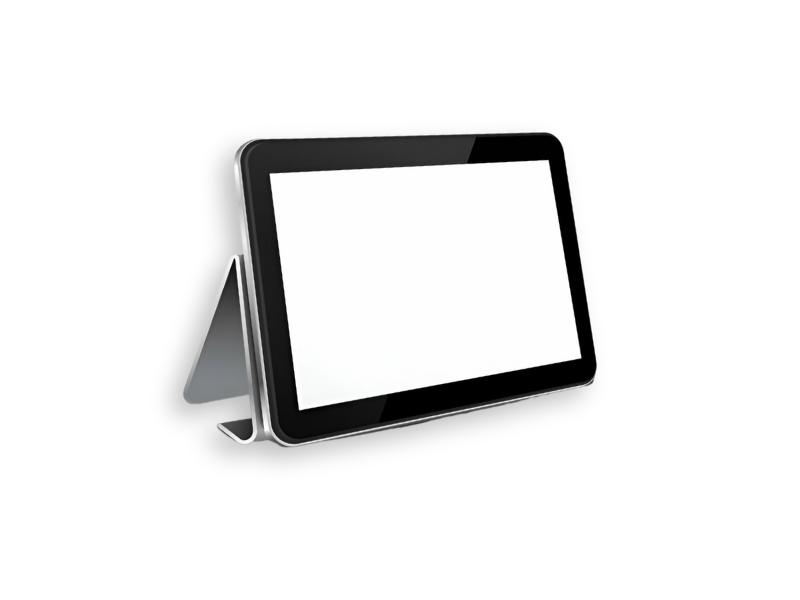
Tablet-Based Kiosks
Portable, cost-effective, and flexible. Great for quick setups or as an add-on.
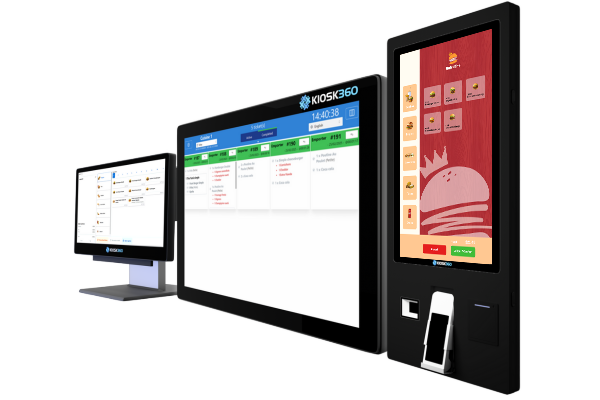
Integrated POS + Kiosk Systems
With Kiosk360, the kiosk is just one part of a full ecosystem that includes POS registers, kitchen displays, and order tracking screens, designed to work together flawlessly.
Setup Essentials:
- Hardware & Software Integration
Your kiosk must connect smoothly with your POS system, kitchen display (KDS), and payment gateway (Terminal). - UX: Intuitive Design
A confusing layout will frustrate users. The interface should guide them effortlessly from item selection to checkout.
- Support & Maintenance
Choose a provider that offers reliable support, remote assistance, and easy maintenance updates, especially during busy times.
Conclusion: Time to Upgrade Your Front-of-House.
Self-order kiosks aren’t just a tech feature, they’re a strategy. They save time, grow revenue, improve operations, and create a better dining experience for your guests.
If you’re ready to simplify your operations and modernize your restaurant, Kiosk360 has everything you need, from kiosk hardware to full POS integration and support.
Author: Hilal
Table of Contents
Featured Posts
Ready to upgrade your QSR with the right POS system?
Book a free demo today and see how Kiosk360 can help your business grow.
 EN_CA
EN_CA  FR
FR 